
RetroDeck for iPhone DuoThe wheel gets its own side.
Open iPhone Duo and RetroDeck splits at the hinge: the screen on one side of the fold, the click wheel on the other. Fold it like a book, stand it up like a laptop or close it, and the player rearranges to fit. Version 1.1 is on the App Store now.
- Open · side by side
- Laptop · stacked
- Closed · classic
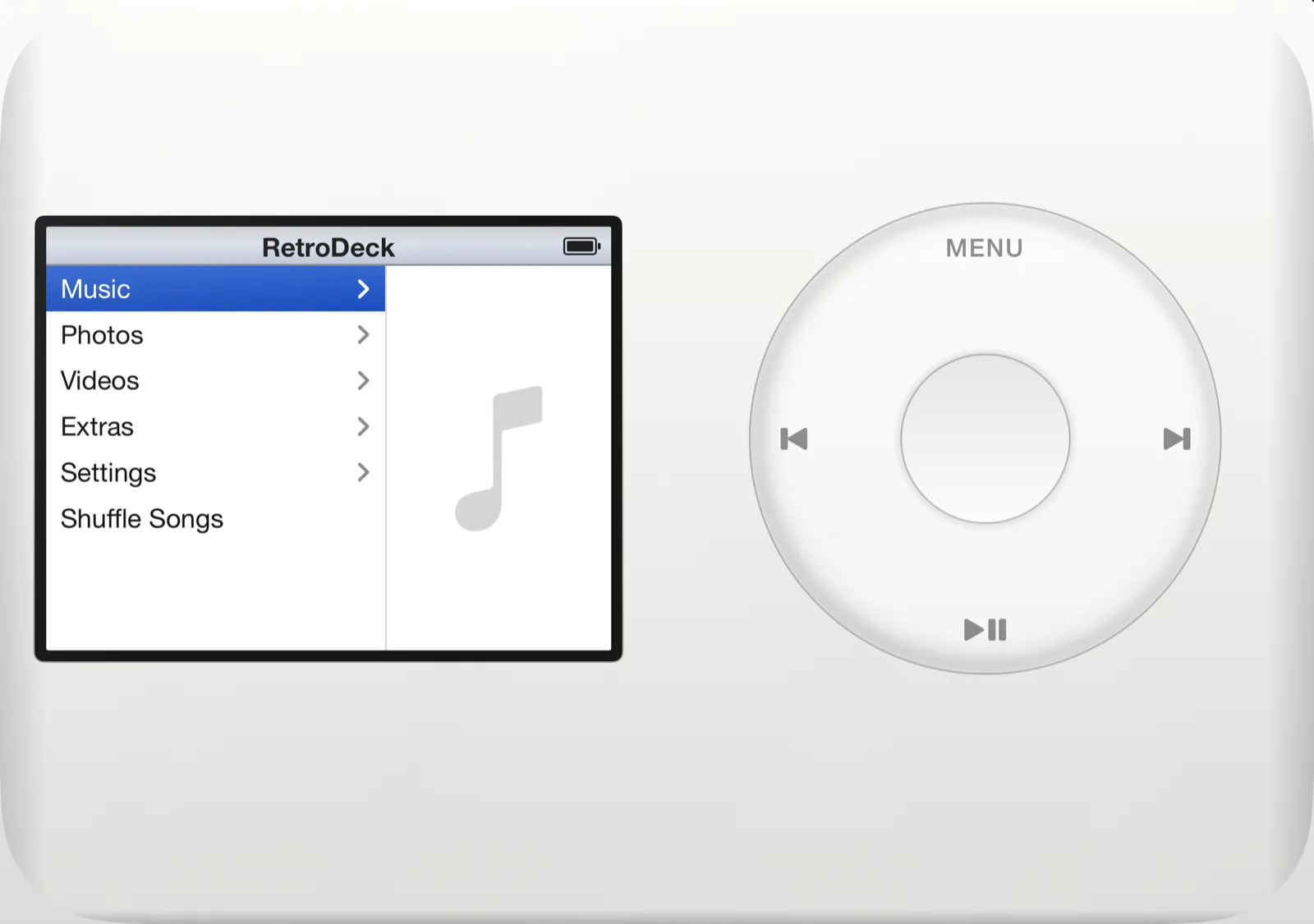
Built in two halves.
Like it was always meant to be.
On a regular iPhone the screen sits above the wheel. Give it the Duo's inner display and each one gets a half of its own.
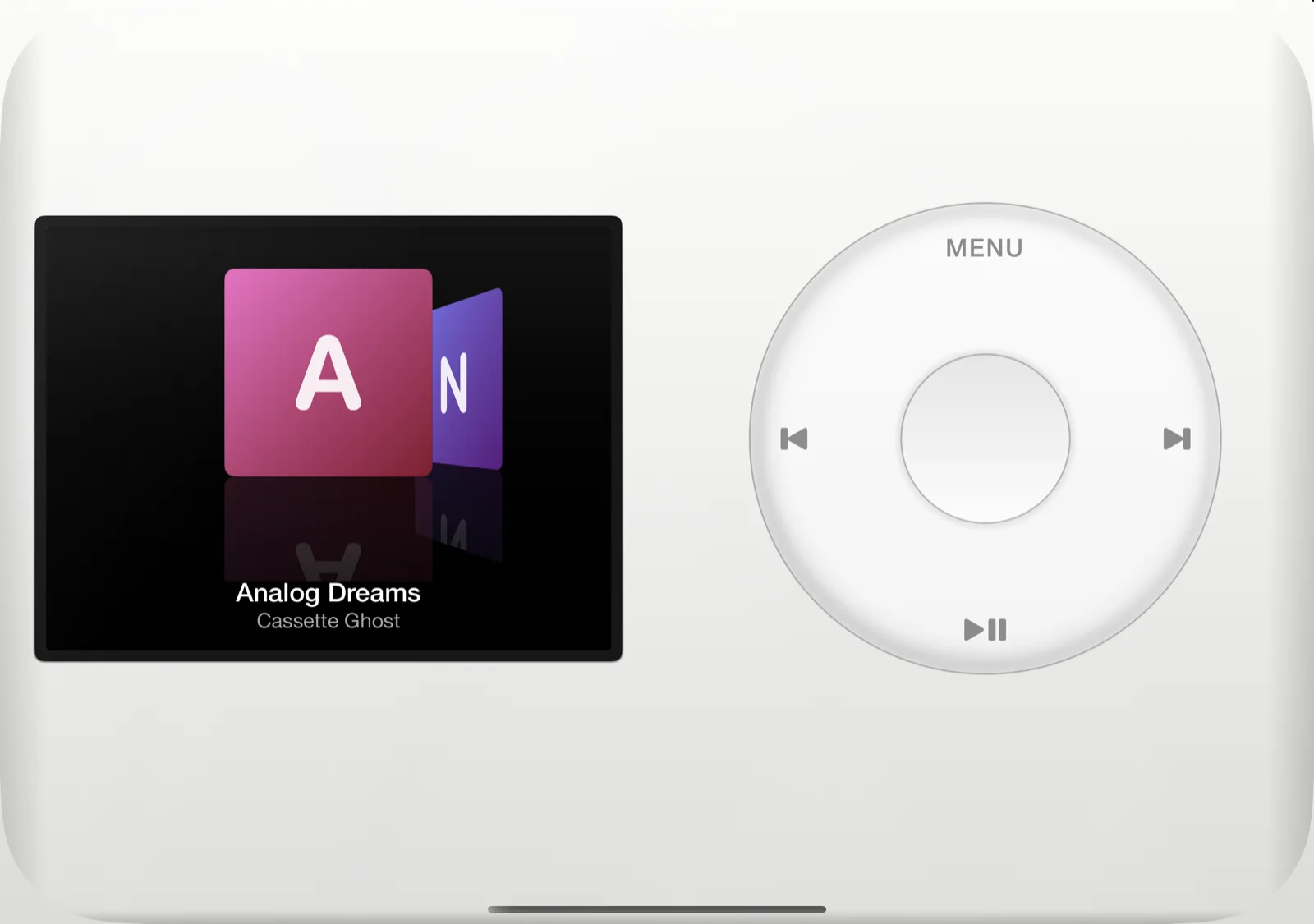
Fig. 02 · Open flat. Cover Flow on one side, the wheel on the other.
Screen on one leaf. Wheel on the other.
Unfold the Duo and turn it sideways, and RetroDeck splits the player at the hinge. The 4:3 screen sits centred on one half of the inner display, the click wheel centred on the other, and the fold runs through the gap between them. The body stays one continuous slab in whichever skin you picked.
- More room for the screen and the wheel than a regular iPhone has
- The fold lands in the gap, never on a control
- Menus, Now Playing, Cover Flow and Extras work exactly as before
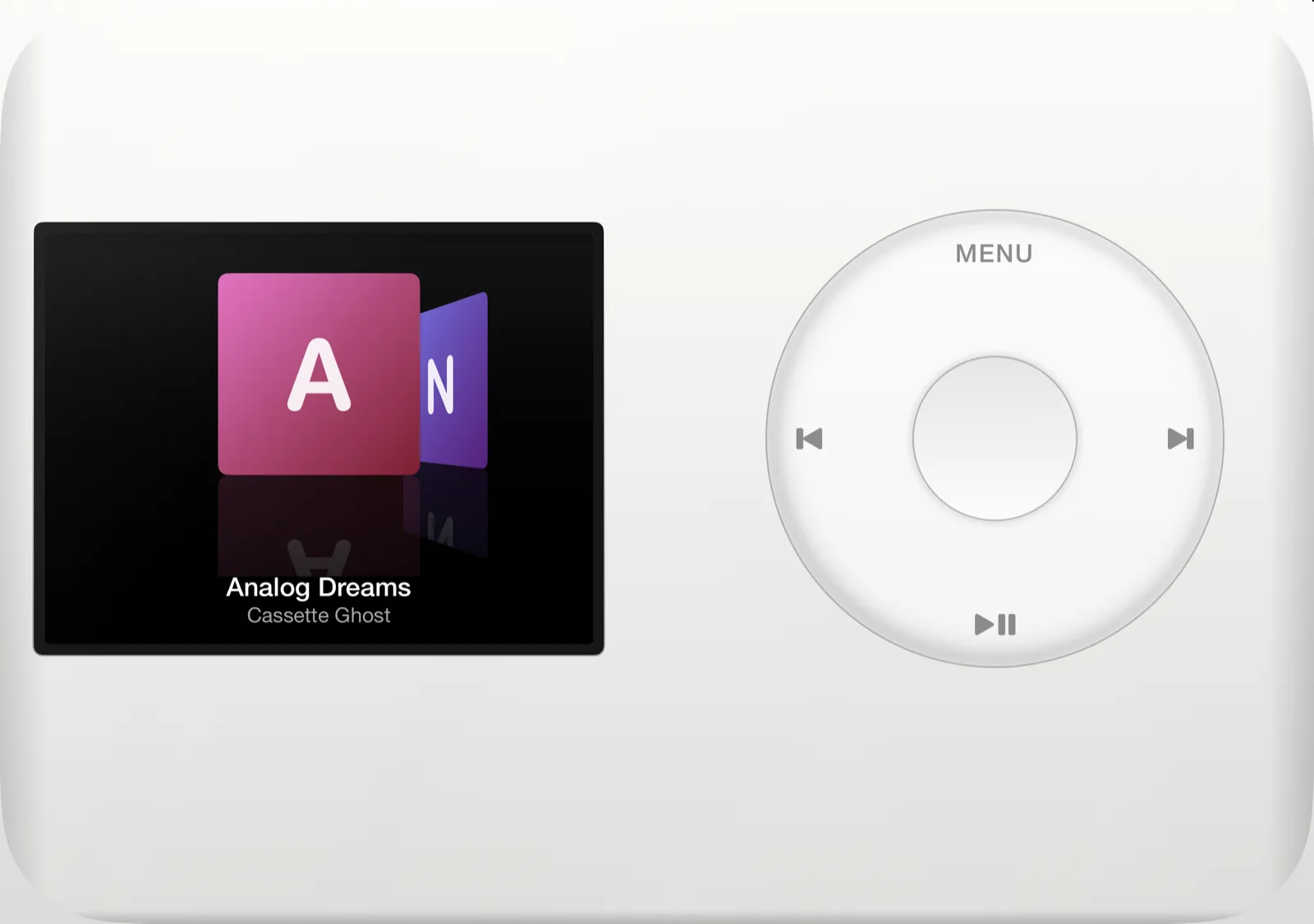
Fig. 03 · Book pose. Each half gets a page.
Fold it like a book.
Half-close the Duo and hold it like a paperback. RetroDeck keeps the side-by-side layout and sizes each half to its own page, so the screen faces one hand and the wheel faces the other with the hinge between them.
- Screen and wheel end at the fold on each side
- Moves into place as you fold, with the song still playing
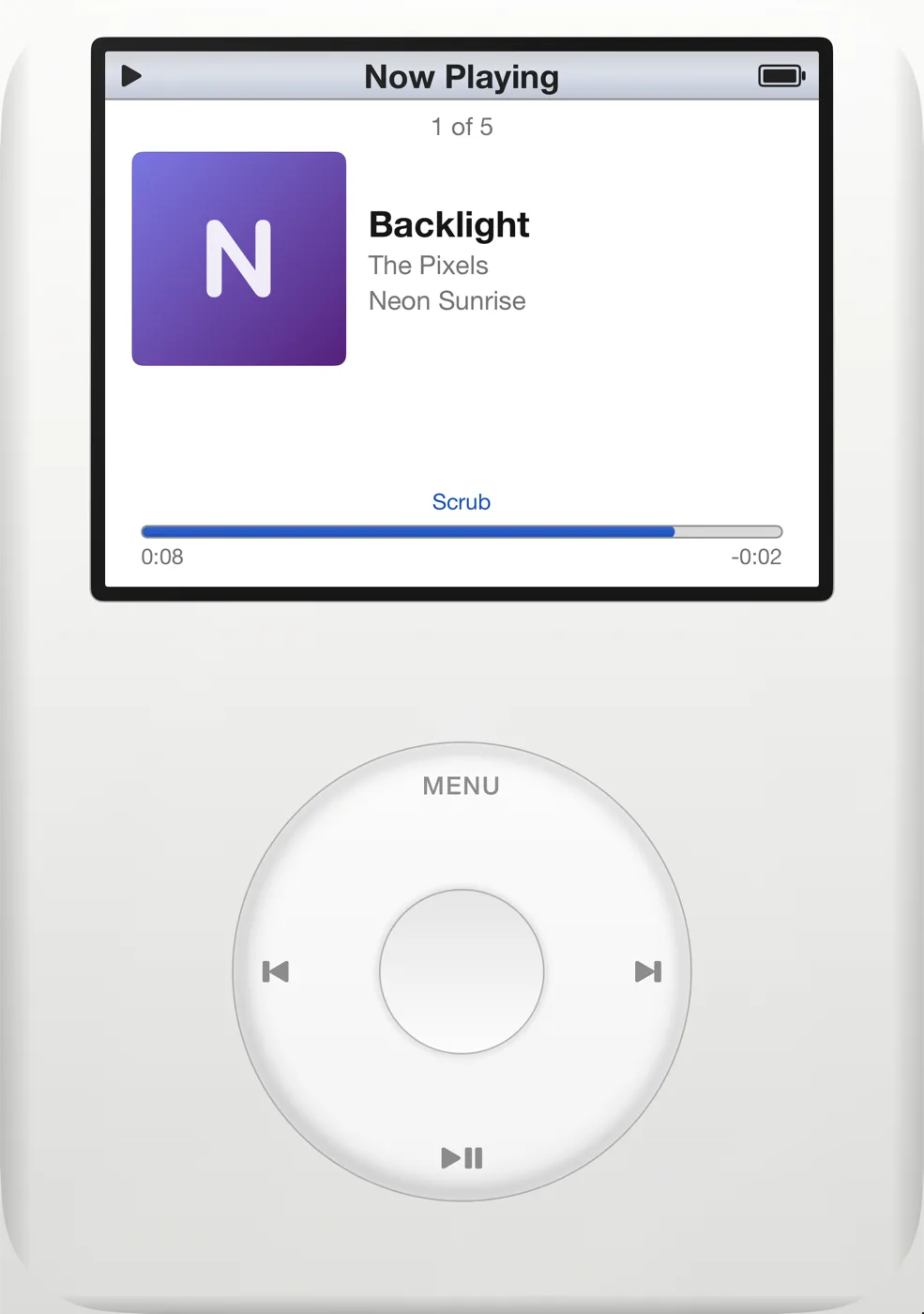
Fig. 04 · Laptop pose. Screen up, wheel down.
Or stand it up like a laptop.
Set the Duo on a table with the top half raised and RetroDeck stacks the player across the hinge: the screen on the upper half, where you look, and the wheel on the lower half, where your thumb rests.
- Good for Now Playing on a desk or a nightstand
- The wheel sits clear of the fold, flat on the lower half
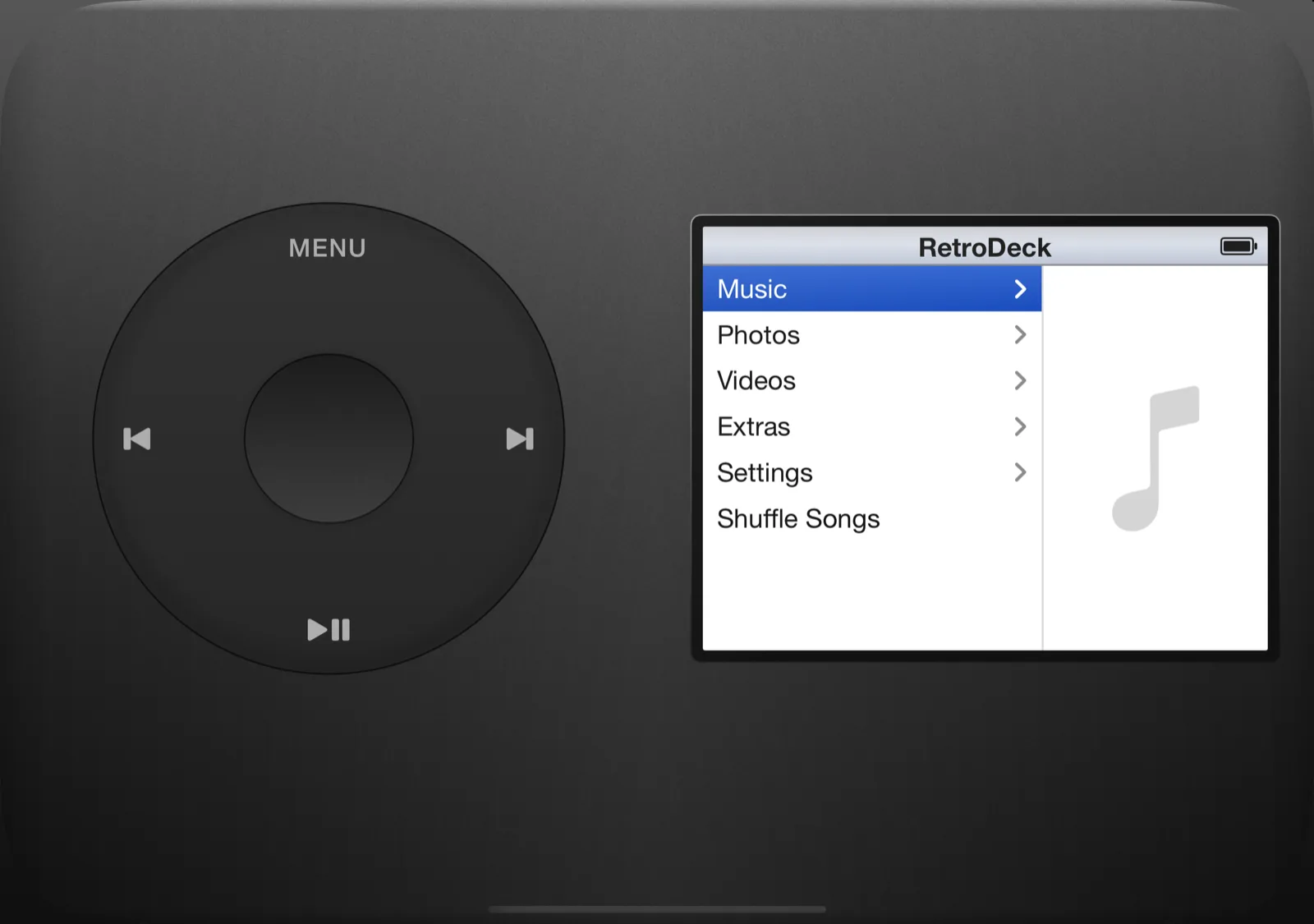
Fig. 05 · Wheel Side: Left, in the Black skin.
Wheel on the left, if that's your hand.
A new Wheel Side setting, Right or Left, swaps the two halves when the Duo is open. It only shows up in Settings while the side-by-side layout is on screen, so nobody on a regular iPhone ever sees it.
- Right by default, Left for left-handed listening
- Works in every skin
Closed? Still the classic.
On the outer display, and on the open Duo held upright, RetroDeck is the portrait player you know: screen on top, wheel below.
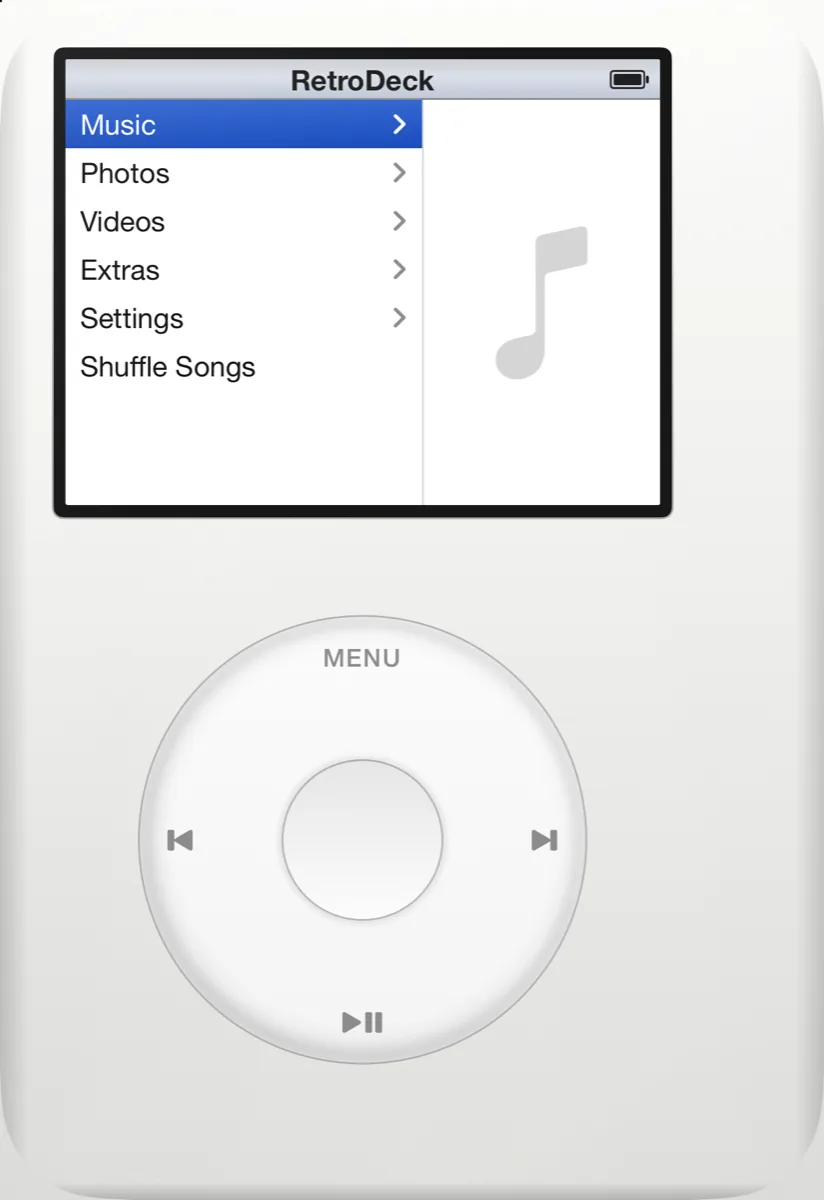
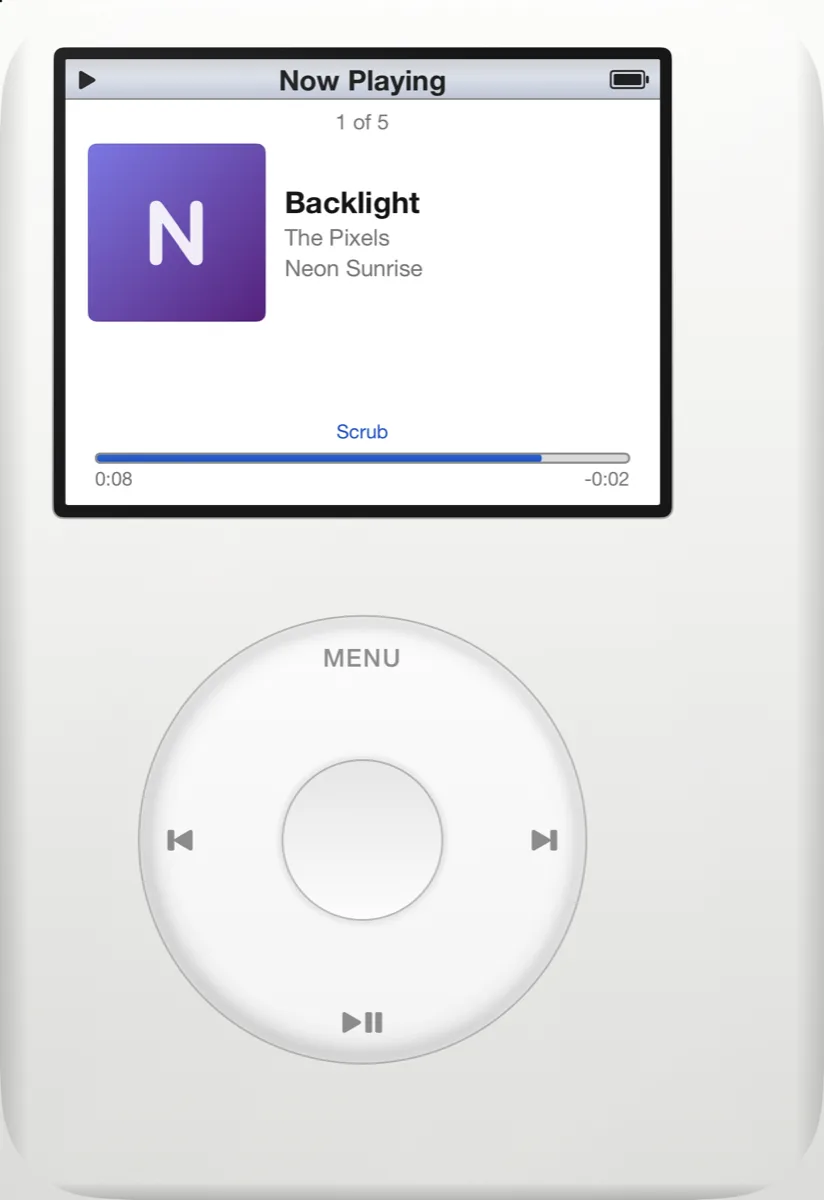
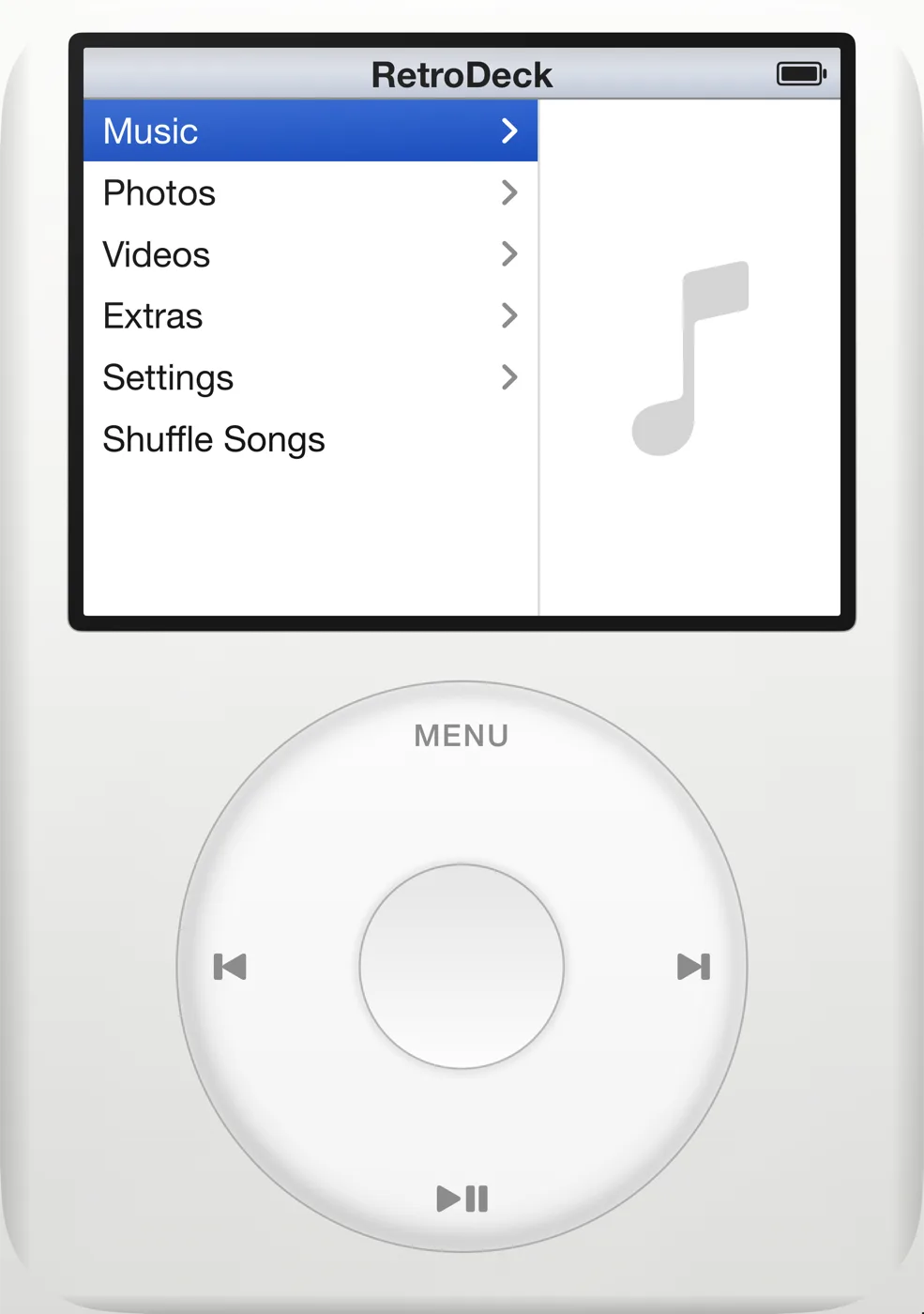
The outer display keeps a column at one edge for its camera. RetroDeck centres the player beside it, so the camera never sits over the screen.
The layout follows the fold.
RetroDeck doesn't check which phone it's on. It looks at the shape of its window and where the fold is, then picks one of three arrangements: classic, side by side or stacked.
So when you open, fold, close or turn the Duo, only the chrome moves. The screen and wheel slide into their new places, and everything on the screen stays where it was: the menu you were in, the song that was playing, your skin and EQ.
The screen inside is the same 4:3 player with the same features, from Cover Flow to the 10-band EQ. And the click wheel works the same on either half.
- Closed
- Classic portrait player on the outer display, clear of the camera
- Open, sideways
- Side by side: screen on one half, wheel on the other
- Open, upright
- Classic, at full inner-display size
- Book pose
- Side by side, split at the hinge
- Laptop pose
- Stacked: screen on the upper half, wheel on the lower
- Wheel Side
- Right or Left, shown only in the side-by-side layout
- Other iPhones
- Unchanged: the classic portrait layout, edge to edge
- Version
- RetroDeck 1.1, iOS 17 or later, $2.99 one time
RetroDeck on iPhone Duo, answered.
Yes. RetroDeck 1.1 is built for iPhone Duo. On the inner display the screen and the click wheel each get their own side of the fold, and on the closed outer display it is the classic portrait player. It is the same $2.99 app, so if you already own RetroDeck the Duo layout comes as a free update.
Held sideways, the player splits at the hinge: the 4:3 screen sits on one half of the inner display and the click wheel on the other, with the fold running through the gap between them. Held upright, you get the classic layout at full size. The switch happens live, and your music keeps playing.
Yes. On the outer display RetroDeck looks and works the way it does on any other iPhone: screen on top, wheel below. The layout also leaves room for the outer display's camera, so the camera never sits over the screen.
Half-fold it like a book and the screen and wheel sit on facing pages, split at the hinge. Stand it up like a laptop and RetroDeck stacks them: screen on the upper half, wheel on the lower half. Neither one ever sits on the fold.
Yes. Settings has a Wheel Side option, Right or Left, that swaps the two halves when the Duo is open. The row only appears while the side-by-side layout is on screen, and the default is Right.
No. On every other iPhone RetroDeck is the same portrait player it has always been, and the Wheel Side setting does not appear. RetroDeck needs iOS 17 or later.
Unfold your music.
One app for iPhone and iPhone Duo. Pay once, no subscription, no ads.